Clothes & Entryway
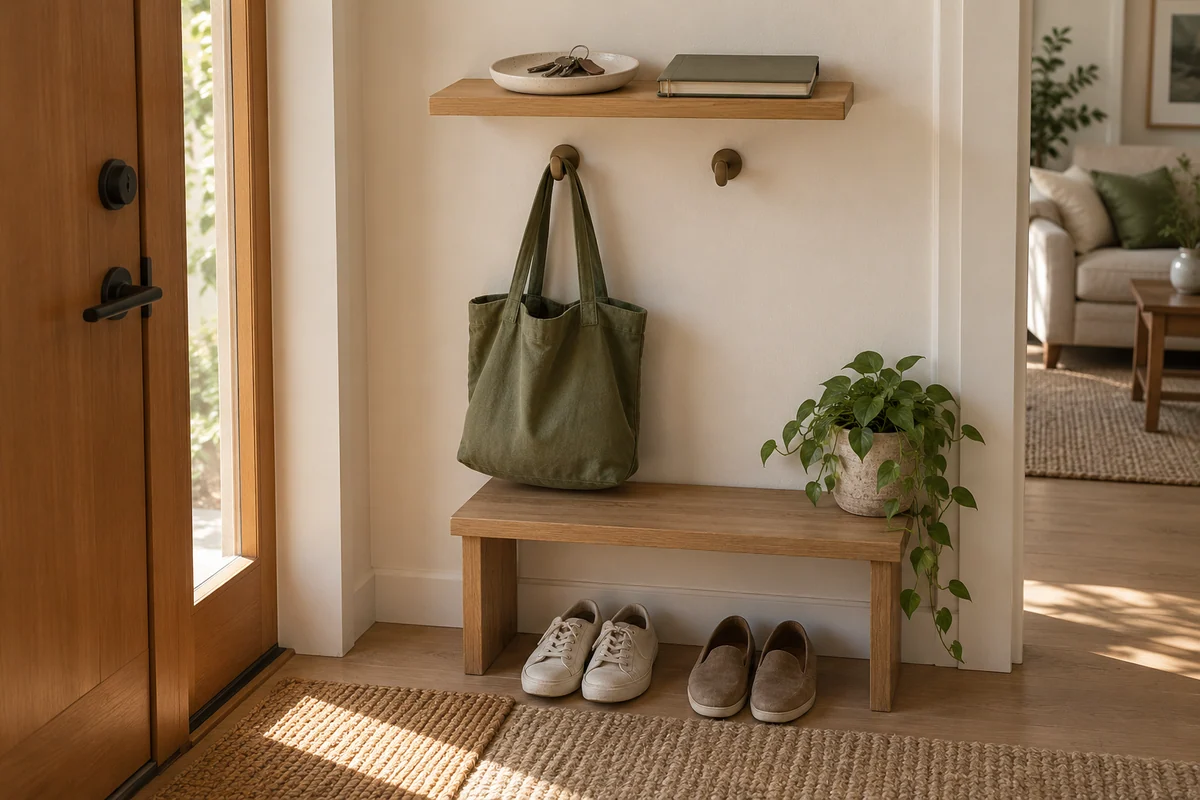
Build an Entryway Drop Zone With One Shelf
Assign an arrival path, a departure path and a small queue without turning one shelf into general storage.
Open the guide →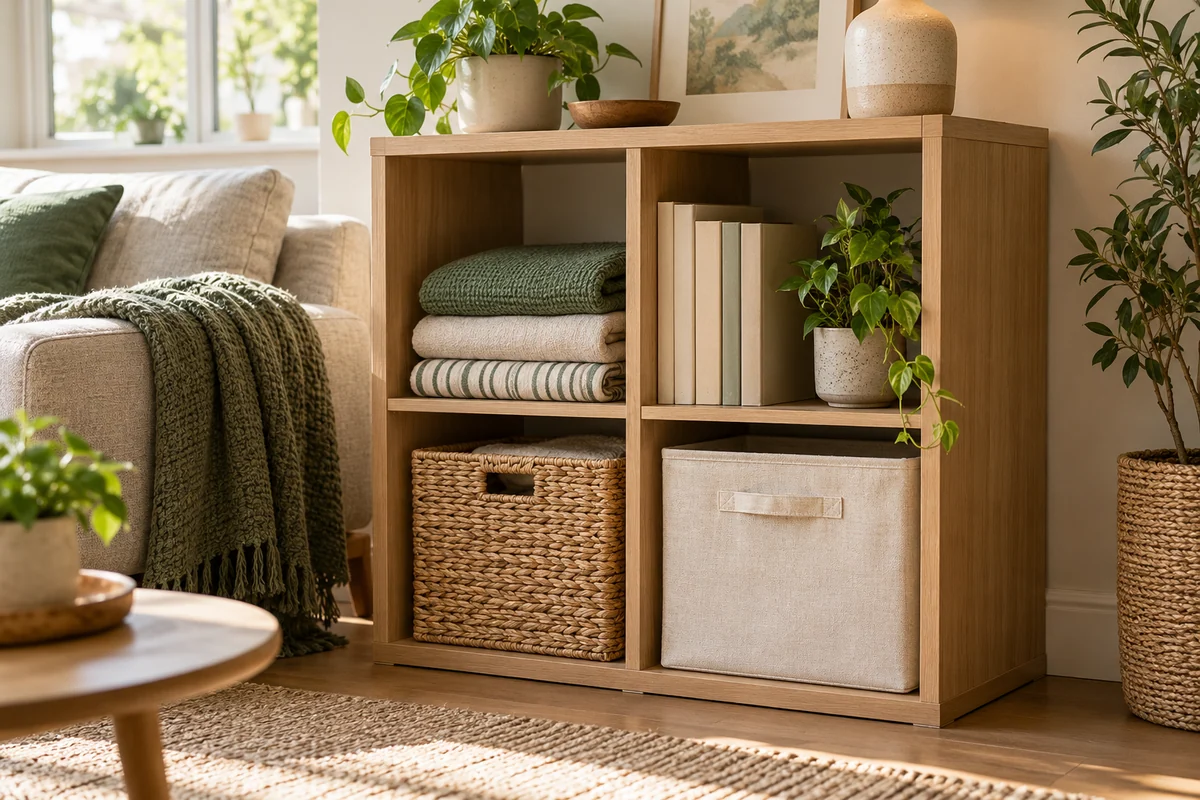
THE MEASURED HOME / A GOOD PLACE TO BEGIN
A useful home starts with what you have. Measure the shelf, make a place for daily essentials, and keep the small things easy to find.
Start with one shelfFrom the front door to the kitchen drawer: three practical places to make a start.
Clothes & Entryway
Assign an arrival path, a departure path and a small queue without turning one shelf into general storage.
Open the guide →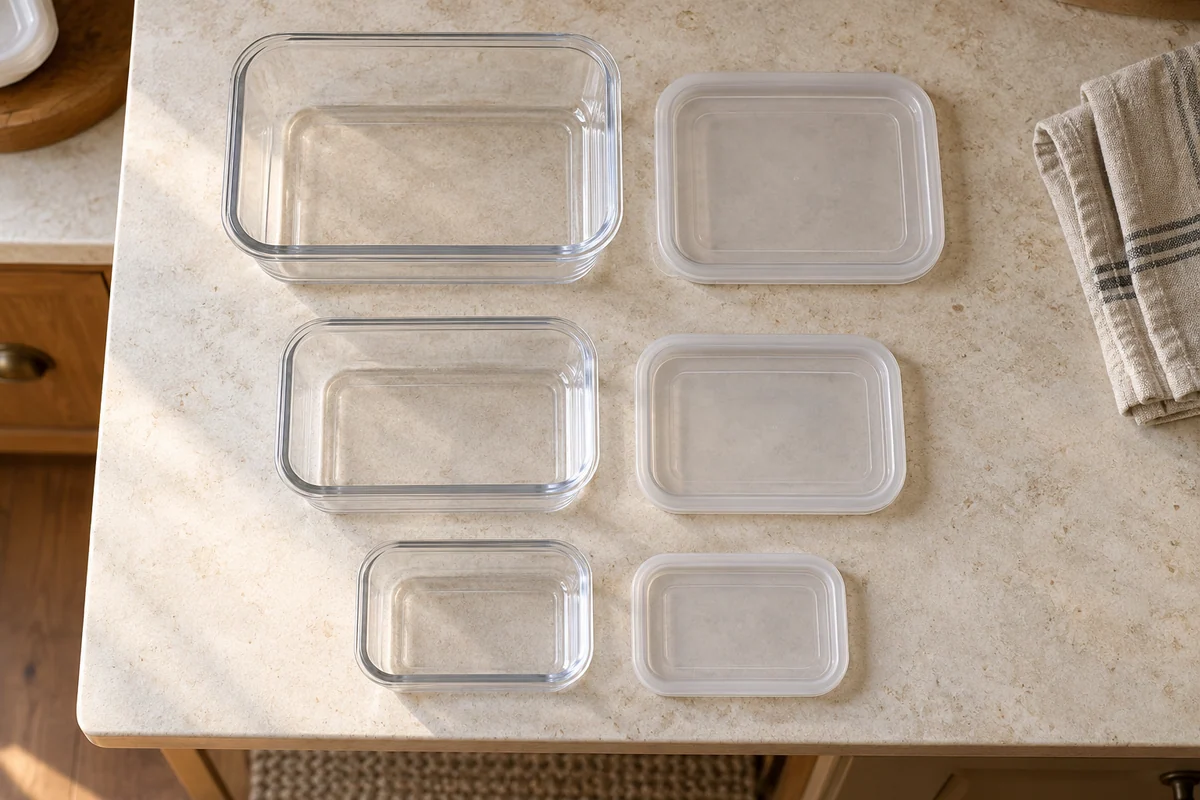
Kitchen & Linen
Pair first, then compare storing complete sets with nesting and a separate lid file.
Open the guide →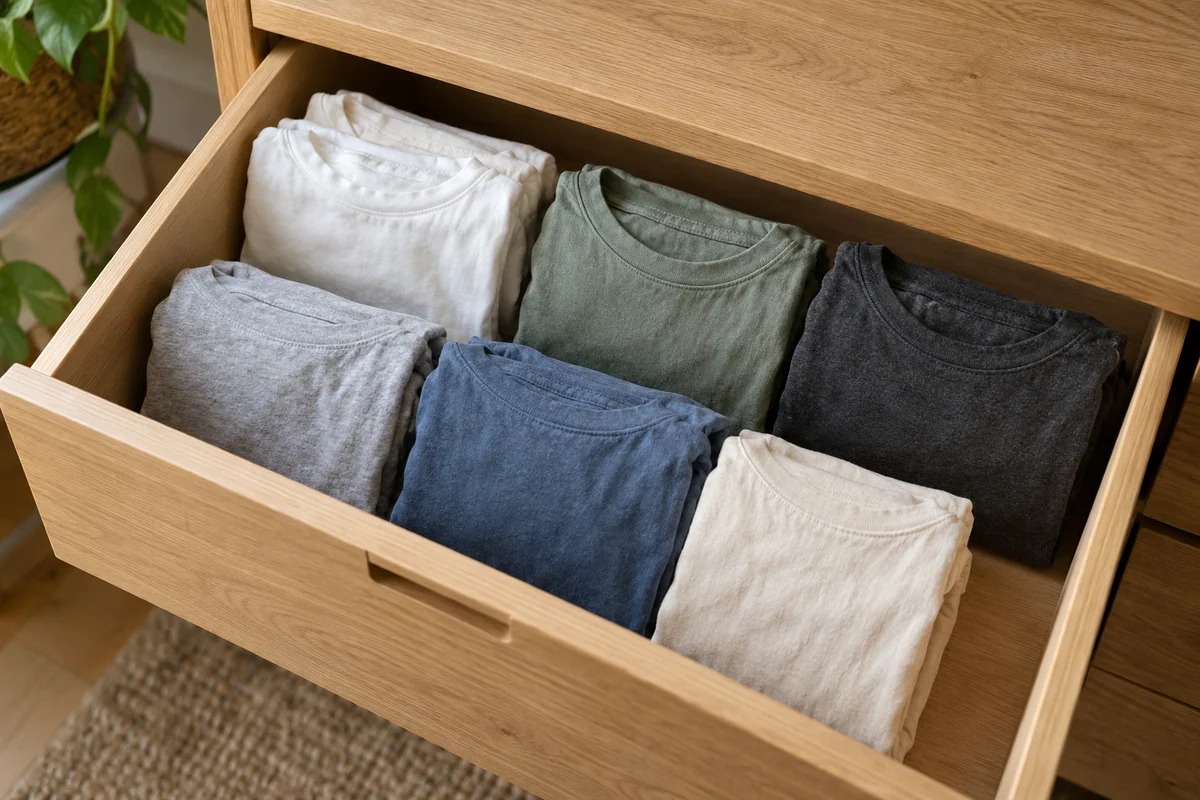
Clothes & Entryway
Match the folded packet to the drawer height before choosing rows that show every shirt.
Open the guide →Original AI-generated editorial scenes illustrate the topics. The guides provide the methods; the images are not step-by-step or before-and-after evidence.
THE PRACTICAL WORKSHEET
Compare regular bin layouts using your own shelf dimensions, clearances and gaps. Rotate the footprint and see what changes.
Open the fit calculator ↗Measurements first. The calculator checks single-layer regular arrangements; you still check the opening, handles and load limits.
Already stored it? Make a searchable index →Compare two simple layouts and see exactly why a small gap can change the answer.
Give different shapes a retrieval method instead of forcing every accessory into the same compartments.
Use measured dimensions and expected piece counts instead of relying only on color or size names.
Record visible connectors, length and known purpose for unpowered spare cables, leaving uncertain functions unconfirmed.
Save the project's state as well as its objects so returning to it does not mean starting over.
Diagnose finding, taking and returning separately before changing the layout.